
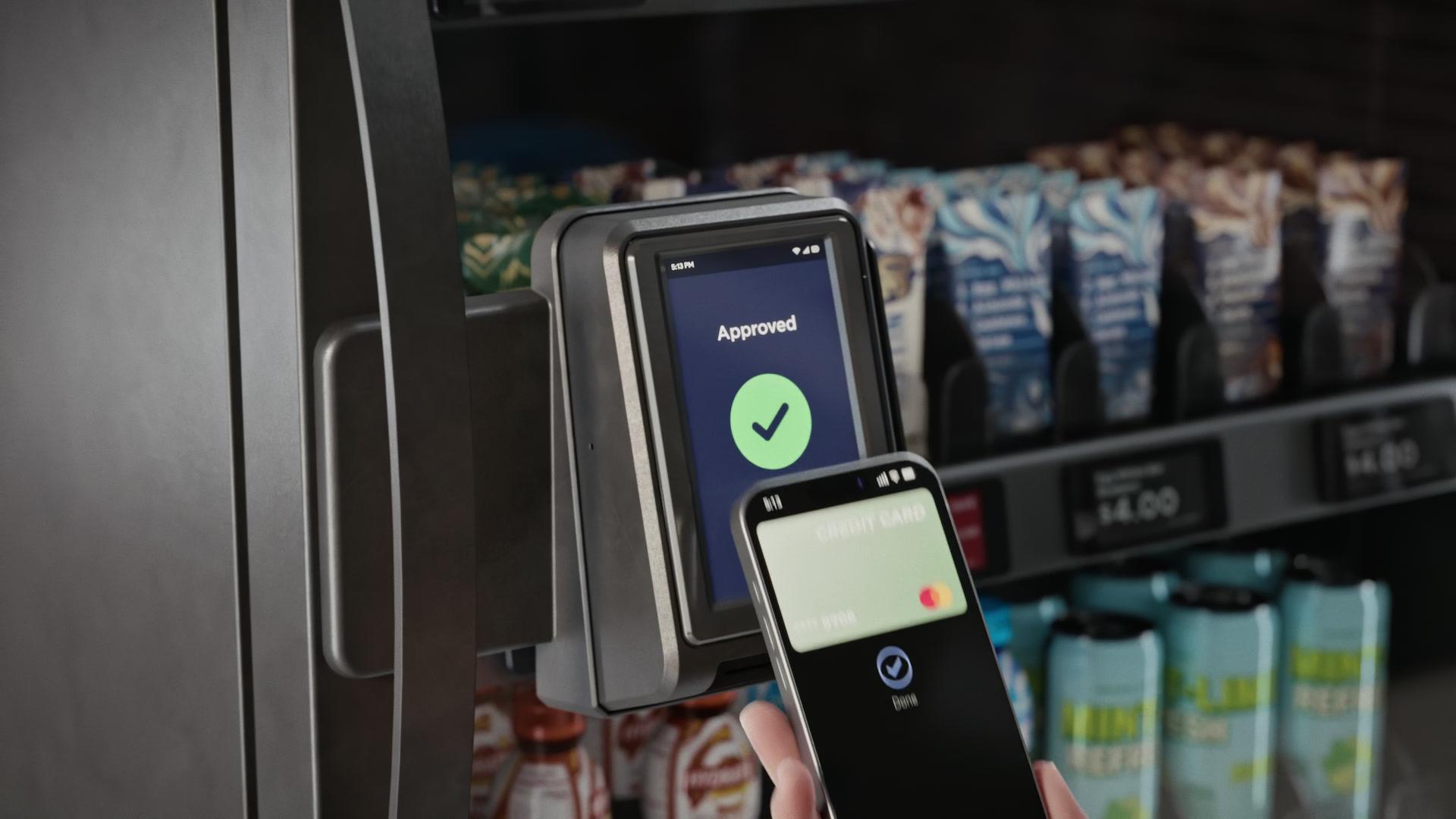
Two programs. One mobile number.
Rewards & Credits
Raptor Rewards™ sends offers by text message to tenants who use the cabinets. Raptor Credits™ is how a building or a company puts lunch on the house for its tenants or employees.
Which one is for you?
For tenants
Raptor Rewards™
Offers arrive by text message, and there is nothing to download, scan or carry. Anyone who buys from the cabinets can join.
For property managers and employers
Raptor Credits™
A building or a company funds a dollar credit for each tenant or employee. They claim it with a mobile number and spend it at the cabinets in that building.
Raptor Rewards™
Rewards by Text. No App.
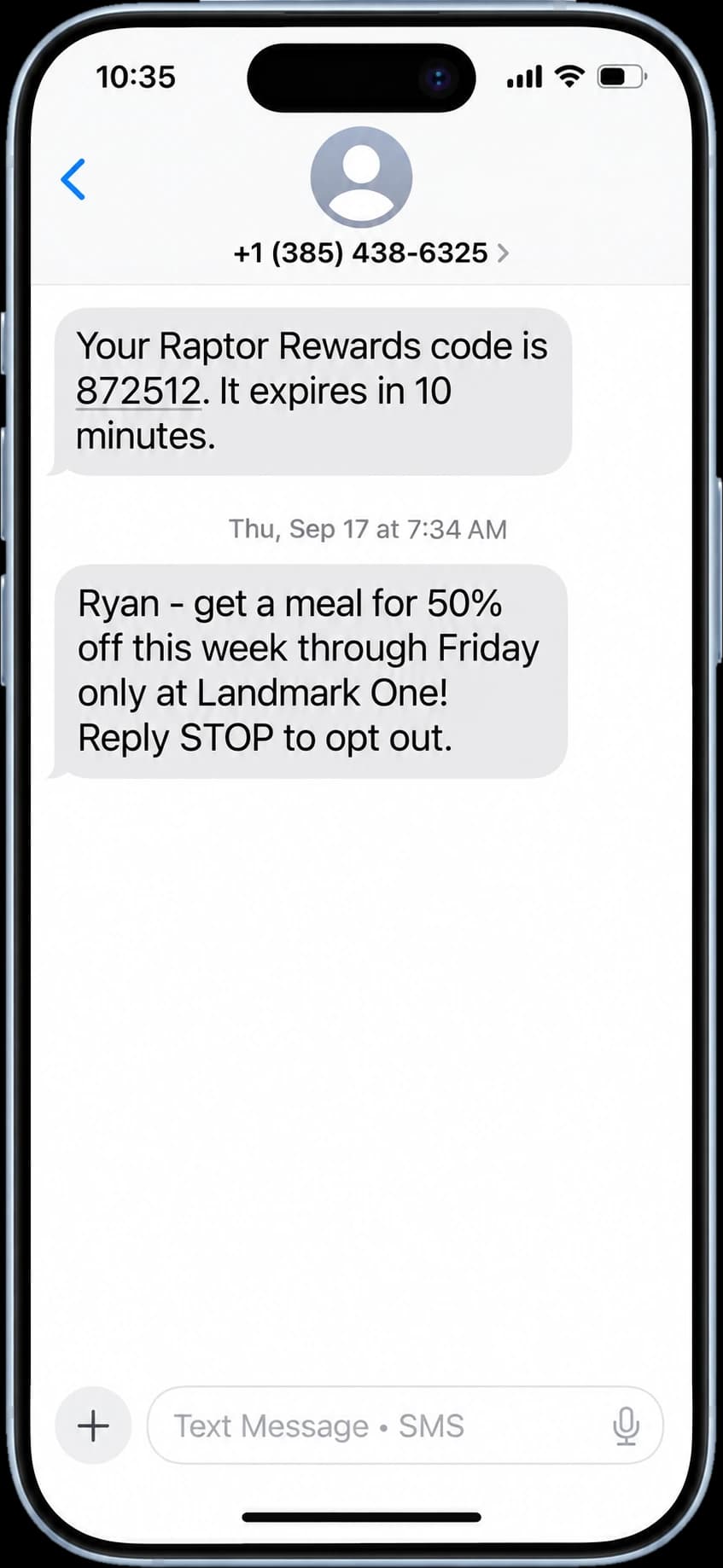
Raptor Rewards sends tenants offers by text message. There is nothing to download, nothing to scan and nothing to carry.
Join at the cabinet
A tenant scans the QR code at the Smart Fridge™ and enters a mobile number.
Confirm by text
We text a six-digit code to confirm the number is theirs.
Get offers by text
Offers arrive as a text message and attach to that mobile number automatically. Replying STOP ends them at any time.
We write the offers and send them. The building has nothing to set up.
Raptor Credits™
Lunch on the house
A property manager funds it for the tenants in a building. An employer funds it for a team.
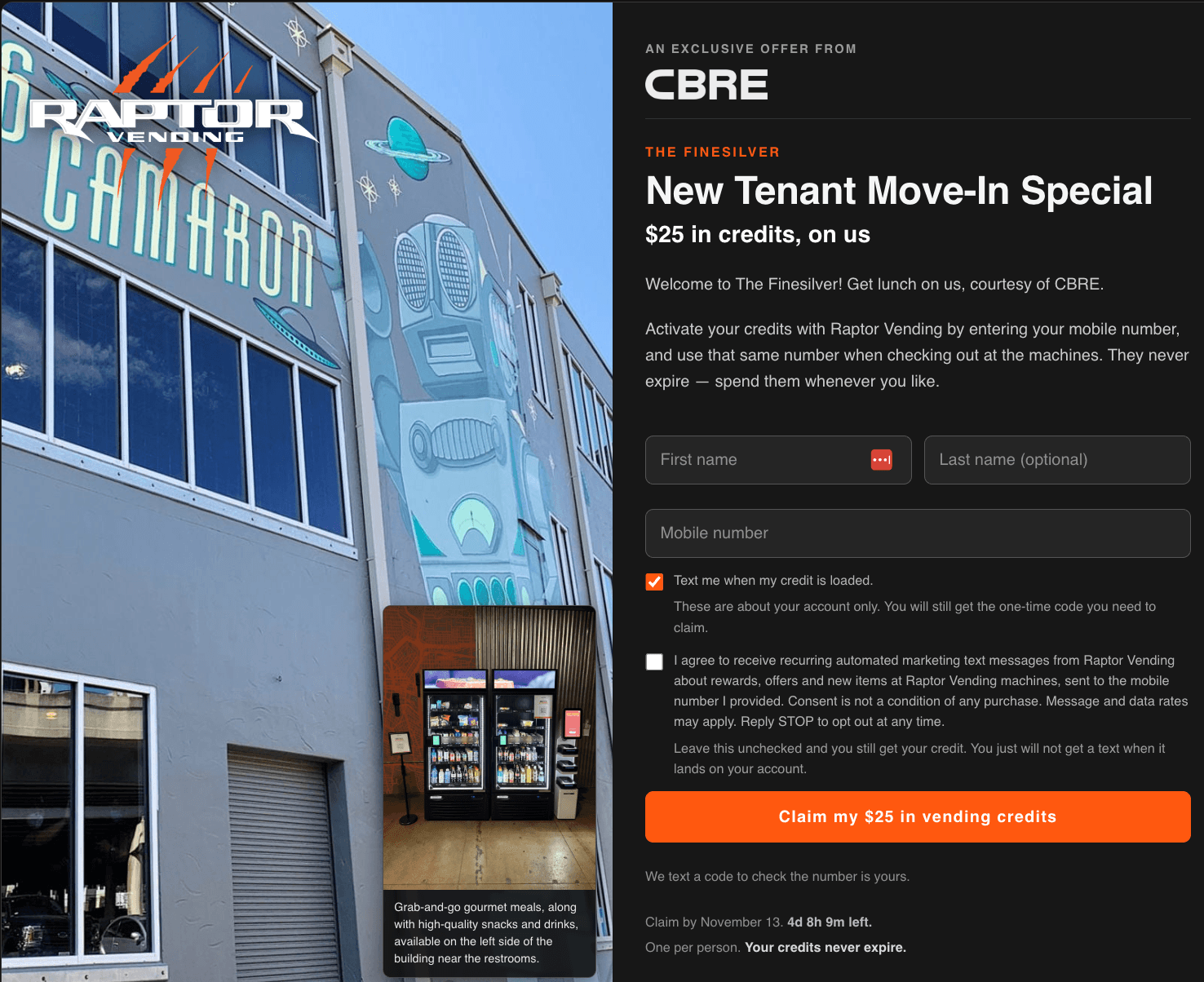
Everyone in the building gets a claim page of your own, carrying your logo, your offer and the date you set. It asks for a first name and a mobile number and nothing else.
The building or company funds it
Choose the amount per person. $25 is a good place to start, and $50 to $100 is generous. There is no minimum.
People claim it
Each tenant or employee enters a mobile number on the claim page by the date you set, and confirms it with a one-time code we text. Joining Raptor Rewards is a separate checkbox on the same page, and nobody has to tick it to get the credit.
Lunch is covered
Credits go live the next business day after the claim window closes. The person enters the same mobile number at checkout and the credit comes off the total until it runs out. There are no delivery fees, no service fees and no tips at the cabinet.
What the building or company gets
- One invoice, net 30. It goes out when the credits go live, with no fees on top and no ongoing billing relationship.
- Claimed credits never expire. Once a credit is on a mobile number it stays there until it is spent.
- A usage report. You see how the credits were used.
- Credit back for people who leave. If an employee leaves the company or a tenant leaves the building, their credit can be applied to your next order.
- Nothing for anyone to install. The credit attaches to a mobile number. There is nothing to print, download or show, and no app on either side.
A meal benefit that lives in the building, not in a delivery app.
Raptor Credits compared with delivery-app vouchers
A credit is spent at the Smart Fridge™ (an AI smart cooler) and Smart Cooker™ (hot food vending) cabinets in your building. A voucher is spent on an app. The rows below are what that changes.
| Raptor Credits | Uber Eats vouchers | |
|---|---|---|
| Where it's spent | The cabinets in your building | Any restaurant on the app, delivered |
| Works without an app | YesA mobile number is enough | NoUber account and app |
| One invoice, no card on file | YesNet 30, sent when credits go live | NoBilled as orders are placed |
| Food is the only charge | Yes | NoDelivery and service fees in the order price |
| Recipient pays nothing | Yes | NoTips and any overage |
| Credit never expires | Yes | NoLapses on the end date the buyer sets |
| Hot meal without leaving the building | Yes | NoMeets a courier at the door |
| Open around the clock | Yes24/7 | NoRestaurant hours |
| Usage report for the buyer | Yes | Yes |
| Claim page with your logo | Yes | Varies |
Uber Eats voucher details from Uber for Business and Uber Help pages, read November 9, 2026.
The food
This Is What’s in the Fridge
Chef-prepared entrées from Southerleigh Hospitality Group, Michelin Bib Gourmand three years in a row, rotated weekly. Alongside them, the snacks and cold drinks people buy every day: nine in ten items sold are those, and the meals are the part we brought to Texas first.

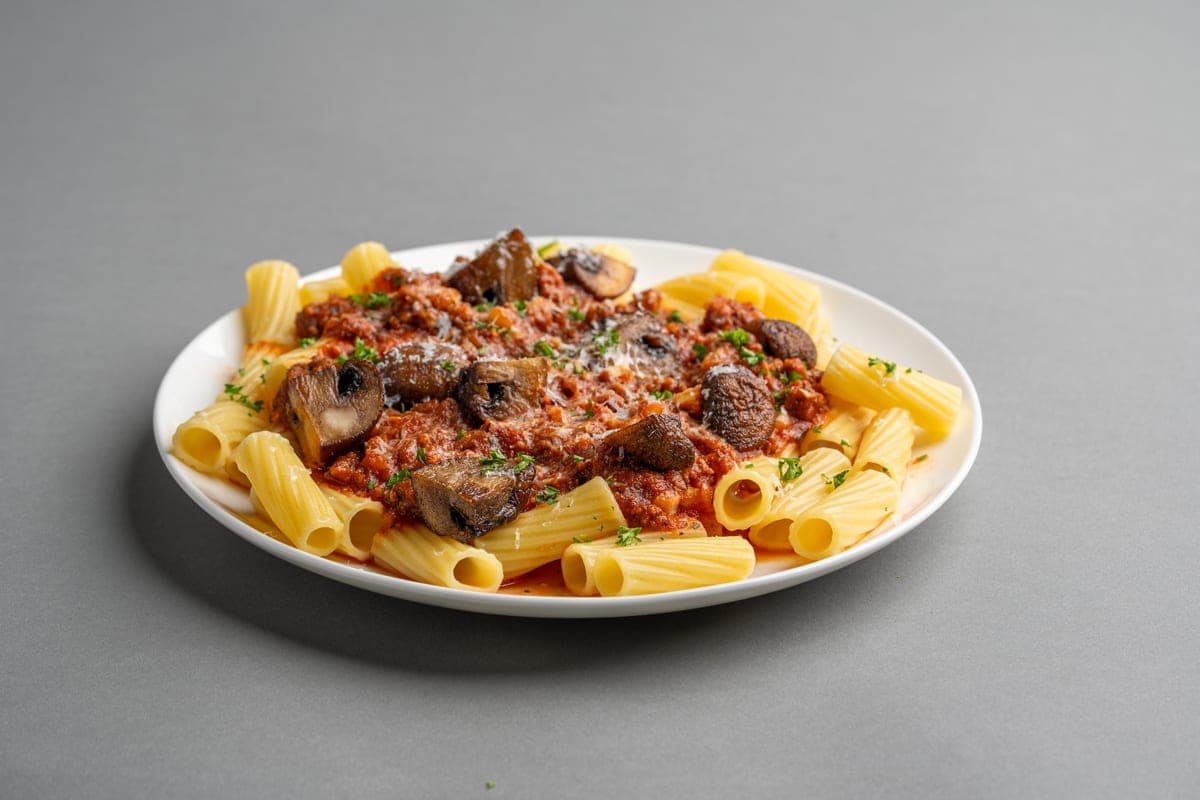





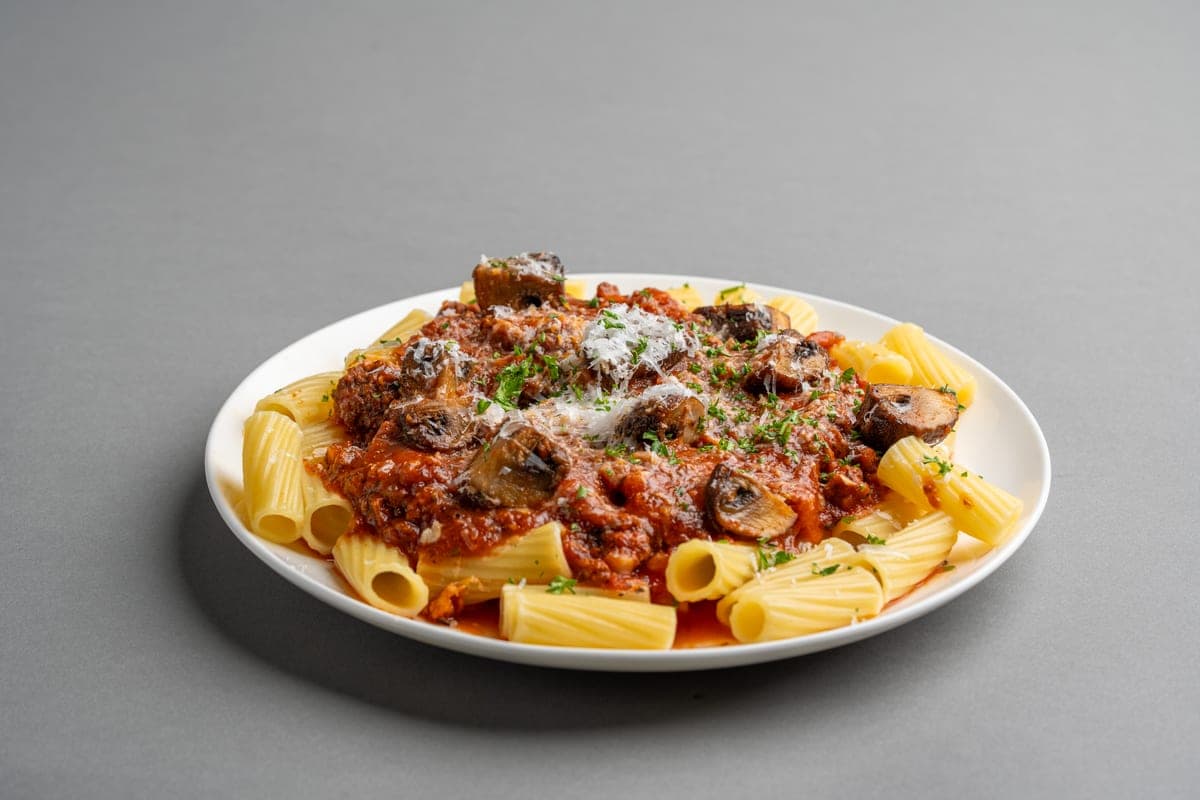


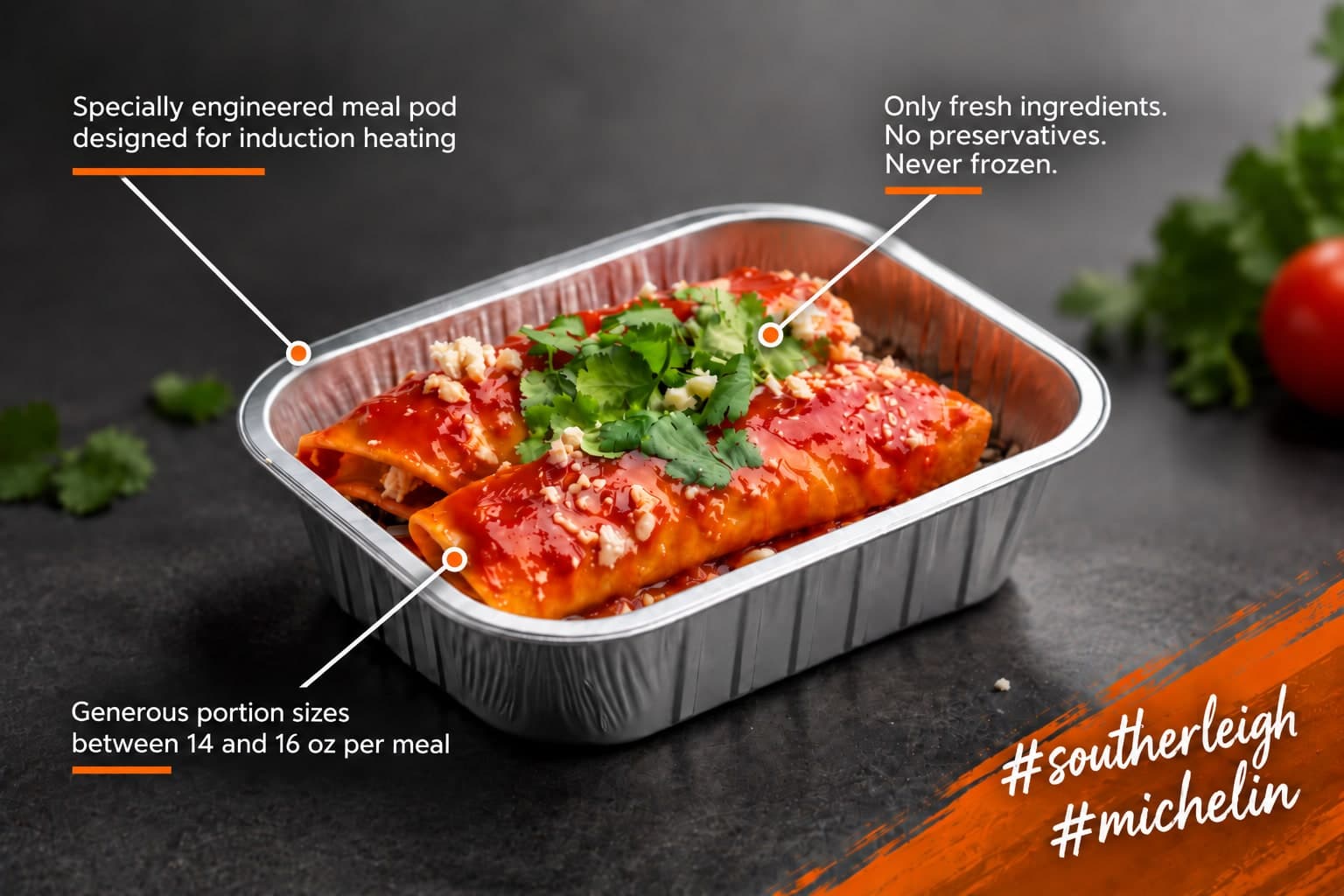
Rotating menus. Real portions. $12.50.
Set up Raptor Credits
Tell us how many people it should cover and which building they are in, and we will come back with a claim page for you to approve.
Frequently Asked Questions
What is the difference between Raptor Rewards™ and Raptor Credits™?
Raptor Rewards is for tenants. You join at the cabinet and offers arrive by text message. Raptor Credits is for a property manager or an employer: you fund a dollar credit for each tenant or employee, and they spend it at the cabinets in your building.
How do I join Raptor Rewards?
Scan the QR code at the Smart Fridge™ and enter your mobile number. We text a six-digit code to confirm the number is yours. Offers then arrive by text message. Reply STOP to opt out at any time.
Do Rewards offers work at every Raptor building?
Offers are set up to work at any Raptor cabinet unless the text says otherwise. An offer written for one building says so in the message.
Is Raptor Rewards a points program?
No. There are no points to collect and nothing to redeem. Offers come to your mobile number by text message.
Who can fund Raptor Credits?
A property manager, for the tenants in a building, or an employer, for its employees.
Do Raptor Credits expire?
Claimed credits never expire. The claim page carries a date, so a person has until that date to claim.
Does anyone need an app?
No. The credit attaches to a mobile number. There is nothing to print, download or show, and there is no app for anyone to install.
What does the buyer pay, and when?
One invoice, sent when the credits go live, net 30. There are no fees on top and no ongoing billing relationship.
How much should we give each person?
You choose. $25 per person is a good place to start, and $50 to $100 is generous. There is no minimum.
What if someone does not claim by the date?
The claim page carries the date you set. Credits go live the next business day after that window closes, and you get a usage report. If an employee leaves the company or a tenant leaves the building, their credit can be applied to your next order.
Can a credit be used at another Raptor building?
No. Credits spend only at the cabinets in the building they were funded for.
Can people join Raptor Rewards when they claim a credit?
Yes. The claim page offers it as a separate checkbox. It is optional and it is not a condition of the credit.